

Integrating OneDrive with Simpro enhances document management and project collaboration across office and field teams. Aloka Integration Hub provides two-way syncing of files: job folders and their contents are automatically created and maintained between Simpro and OneDrive, so teams always have the latest documents at their fingertips. Photos captured onsite sync seamlessly, ensuring project updates and compliance records are instantly available. Custom logic and workflow automation enable tailored document flows and permissions, meeting a wide range of operational needs.
OneDrive + Simpro
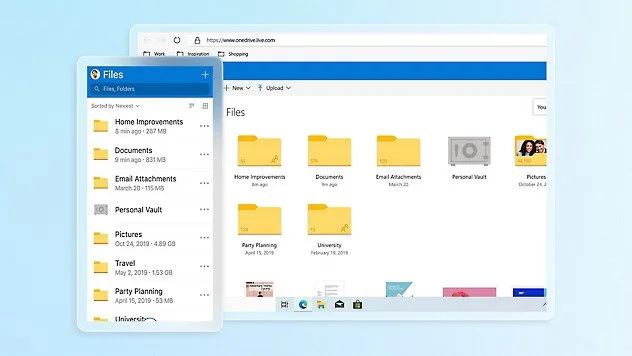

Keep files and folders up-to-date between Simpro and OneDrive with automated, instant syncing for all project documentation.
2-Way Sync Files

Sync Photos
Sync site and job photos between Simpro and OneDrive for fast, centralised access and compliance management.

Automatically create structured OneDrive folders for every Simpro job, ensuring organised storage and easy retrieval of files.
Create Job Folders

Aloka Integration Hub adapts file workflows to your business requirements, supporting permissions, automation, and advanced logic.
Custom Logics