

Google Sheets + Simpro
Integrating Google Sheets with Simpro delivers seamless two-way data sync for quoting, job management, scheduling, and reporting. Aloka Integration Hub synchronizes quotes and job bills of materials (BOMs) between Simpro and Google Sheets, keeping pricing, quantities, and resource plans accurate and accessible without manual entry. Schedules are updated instantly in both platforms, ensuring project teams remain in sync and informed. Alongside real-time data flow, the integration enables robust custom logic for automated calculation, validation, and tailored business workflows.
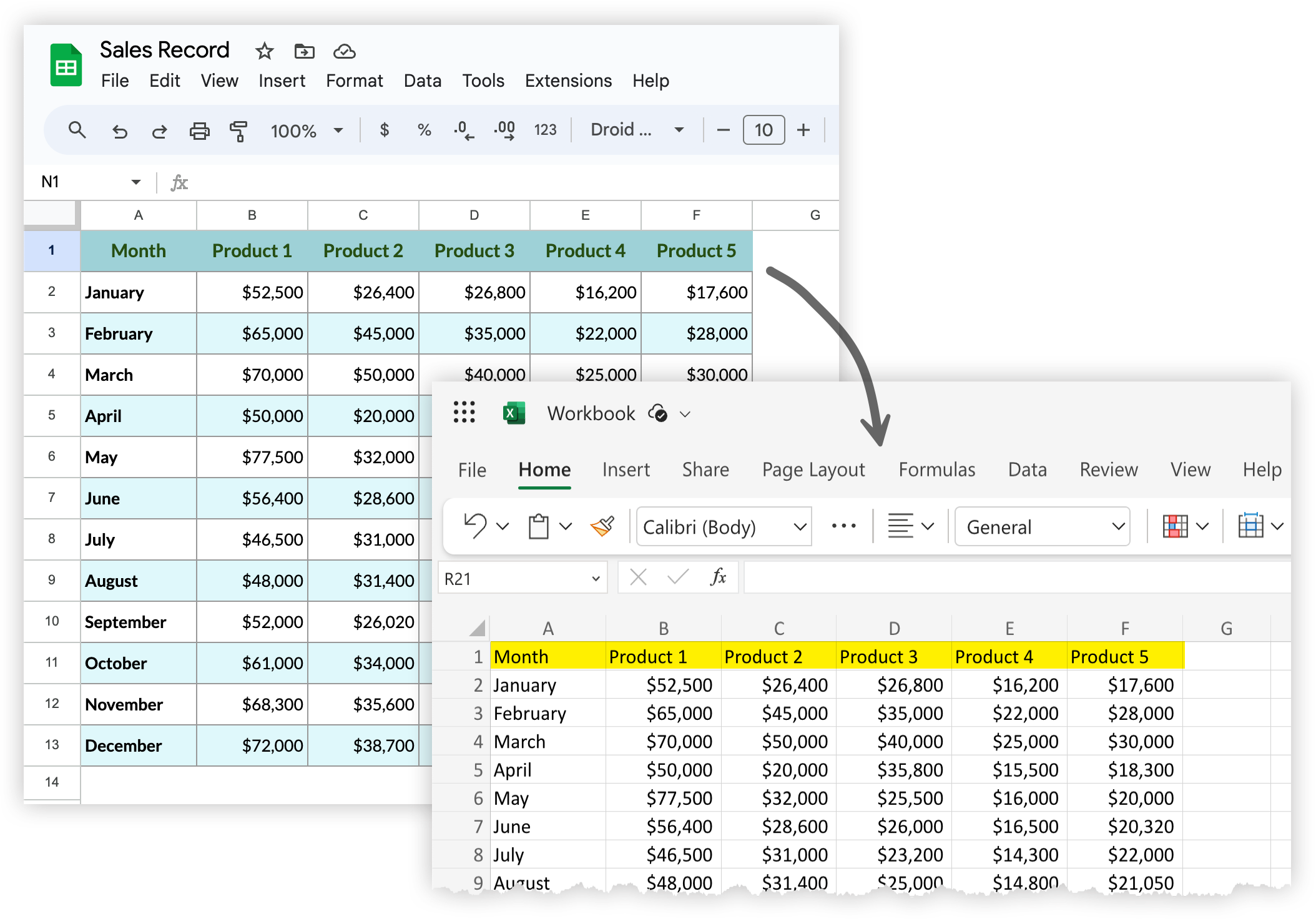

Sync quote details and their associated bills of materials between Simpro and Google Sheets, ensuring up-to-date resource planning.
Sync Quotes BOM

Sync Job BOM
Transfer job-specific BOM data for field teams and estimators to access, review, and update easily.

Integrate and update schedules in both Simpro and Google Sheets, giving teams shared, real-time access to project timelines.
Sync Schedule

Enable automatic, bidirectional data flow for jobs, quotes, schedules, and more—removing manual updates and double entry.
2 Way Sync

Aloka Integration Hub supports powerful data mapping and automation custom formulas, validation, and business logic to fit your workflow.
Custom Logics